Does it work on Android, Windows or the web?
No. Thermocline is made only for Apple devices: iPhone, iPad, Mac and Apple Watch. It's built with Apple's own tools so it can work closely with iCloud, Bluetooth, Photos and Maps.
Which dive computers does it work with?
Bluetooth downloads are tested with Shearwater Perdix and Perdix 2, on iPhone, iPad and Mac. The Mac also downloads by USB and serial cable from many other computers, including Suunto, older Oceanic, Aeris and Sherwood, Uwatec and Scubapro, Cressi, Mares, OSTC and Atomic. Those cable downloads haven't been tried on real hardware yet, so if you own one, please test it. Dives from any computer can also come in through a logbook file.
I use MacDive. Will my logbook come across?
Yes. Export from MacDive as XML or UDDF and import the file. You choose which dives to add, tanks come in as real cylinders (size, pressure, doubles and +), and MacDive's dive IDs are kept, so an export back to MacDive doesn't make duplicates.
Is the Mac app the same app?
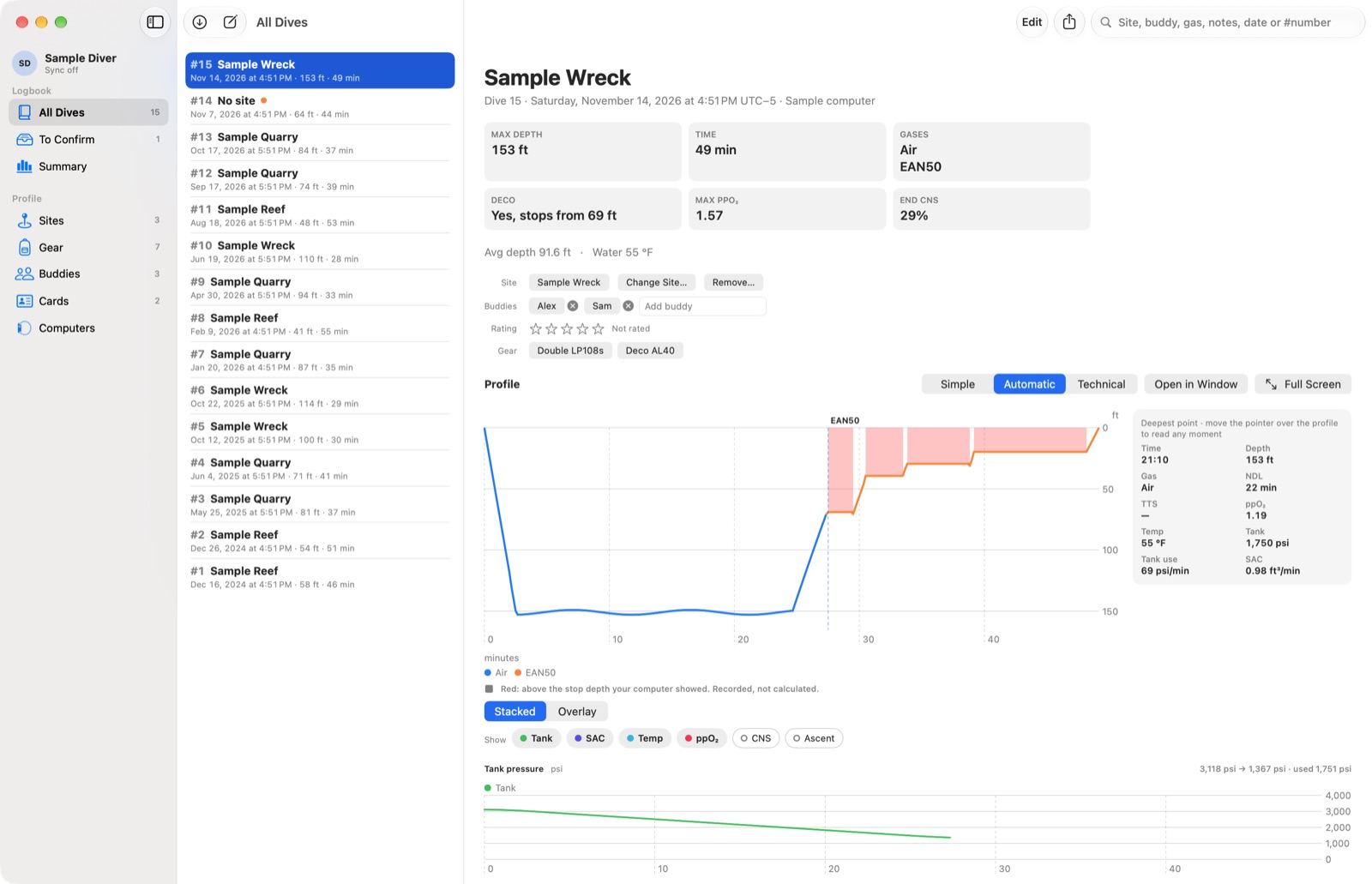
It's a separate app with its own beta link. Both apps use the same iCloud logbook, so a dive downloaded on the Mac shows up on your phone. Keep both on the latest build.
What do I need?
An iPhone or iPad with iOS or iPadOS 18 or later, or a Mac with macOS 15 or later. The Apple Watch app needs watchOS 11. To sync between devices, sign in to the same iCloud account on each one.
Could a beta build lose my dives?
It's built not to. Imports never change the file you import from, and restore points can take your logbook back to before an import or merge. Keep your original exports, and if dives go missing or doubled, send a screenshot of Profile → Sync before changing anything.
Can I use the site positions for navigation?
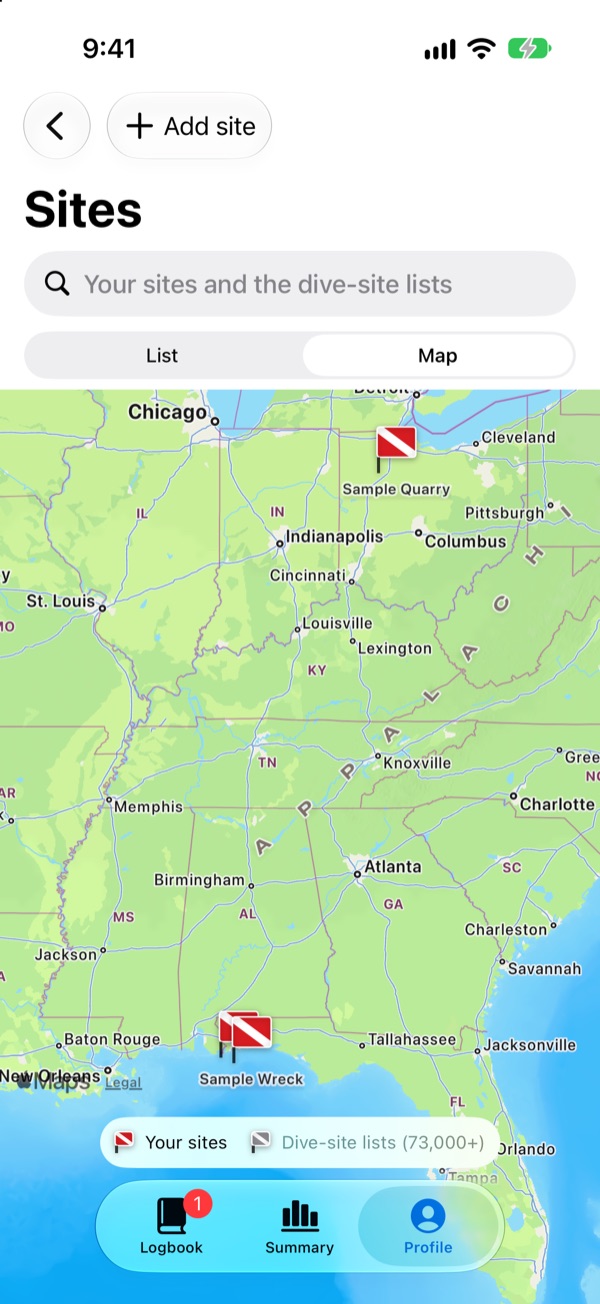
No. Site positions are for logging, not for navigation.